Blog
Ready-Made Form Templates: Launch Better Forms Faster
Ready-made form templates give small businesses a faster way to launch polished forms, collect cleaner submissions, and avoid starting every workflow from a blank page.
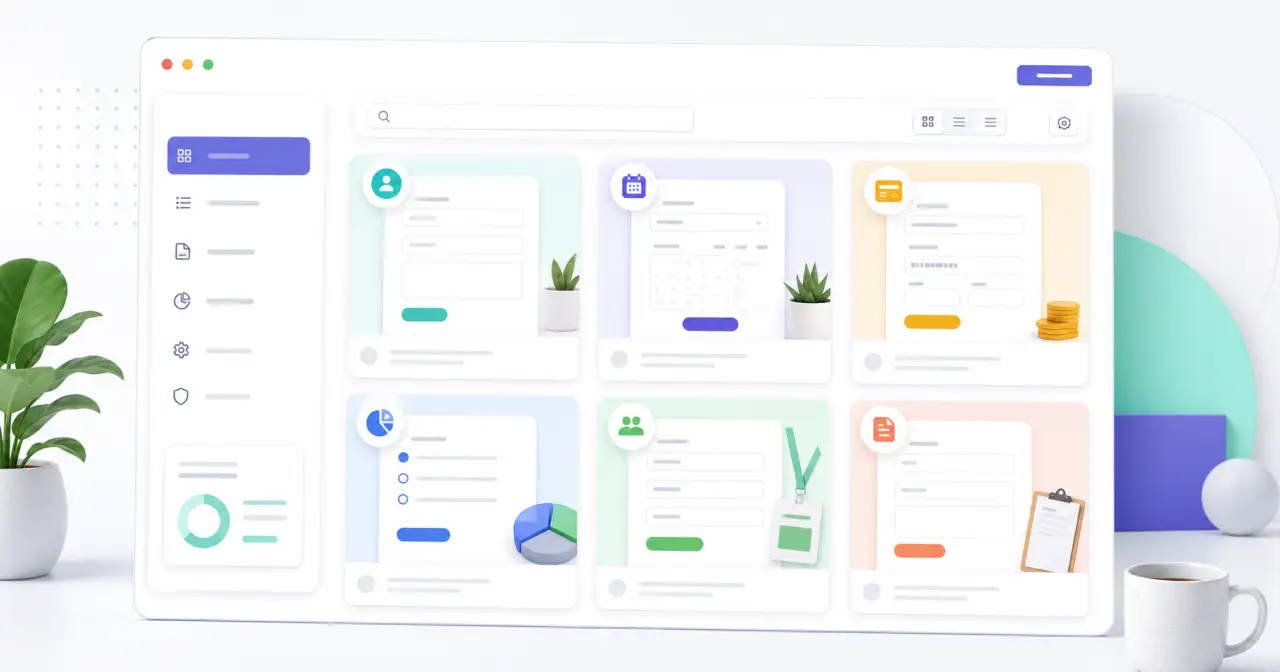
Start with a proven form structure
- Choose a template by goal or industry
- Customize copy, fields, and routing
- Publish faster with fewer missing details
Why Ready-Made Templates Are So Useful
Blank pages slow people down. When a business needs a new form, the hard part is often deciding what to ask, how to organize it, and which details are truly needed. A good template gives you a strong starting structure.
Instead of guessing, you can begin with a form that already matches a common goal: lead generation, contact requests, appointment booking, event registration, customer feedback, order collection, job applications, and more.
Templates Help You Collect Better Data
A template is not just about speed. It also helps improve data quality. When fields are organized clearly, users are more likely to finish the form and provide useful answers.
- Lead forms can ask qualifying questions before a sales conversation.
- Quote request forms can capture project scope, budget, location, and timeline.
- Booking forms can collect availability and service preferences up front.
- Feedback forms can turn vague comments into structured insights.
- Registration forms can gather attendee details without extra follow-up.
How to Choose the Right Template
Start with the action you want the visitor to take. Are they requesting a quote, booking a service, contacting your team, submitting a file, paying an invoice, or joining a list? The right template should match that outcome.
Once you pick a template, customize it for your business. Adjust the language, remove fields you do not need, add conditional logic where helpful, and connect submissions to the tools your team already uses.
Templates Should Be Flexible, Not Rigid
The best templates give you structure without locking you in. With Maxforms, you can use a template as a starting point, then edit fields, sections, confirmation messages, notifications, and integrations to match the workflow you actually need.
Use Templates Across Your Website
Templates can support almost every part of a business website. A service business might use quote request, appointment booking, and customer feedback forms. A school might use registration, application, and permission forms. A marketing team might use lead capture, gated download, and webinar registration forms.
Explore the Maxforms template library to find forms by use case, then connect your best forms to Maxforms integrations like Google Sheets, Zapier, Stripe, and webhooks.
Template launch checklist
- Remove fields that do not support the goal of the form.
- Update labels so they sound like your brand.
- Add conditional logic for different services or request types.
- Test the form on mobile before publishing.
Start with a template, then make it yours
Use Maxforms templates to launch contact forms, quote requests, booking forms, payment forms, surveys, registrations, and more.
Start free
Ready to build smarter online forms?
Create secure online forms, automate submissions, collect payments, and launch faster with Maxforms, the powerful alternative to Jotform.