The Signature field puts a signing pad on your form. Respondents can draw with a mouse, trackpad, or finger, or type their full name and let Maxforms render it in a handwriting script. The signature is saved with the submission as an image.
Add a signature field#
- In the builder, select Add field.
- Under Advanced, select Signature.
- Name the field: "Signature", "Sign here", or whatever your form calls for.
- Select Publish changes.
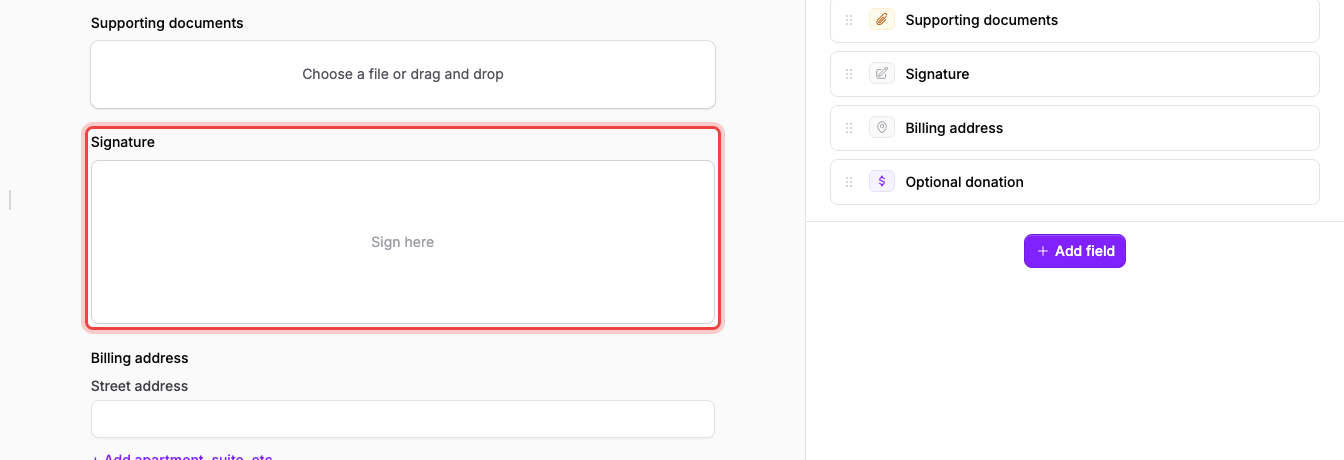
The preview shows the empty pad straight away:
Make signing mandatory#
Select Advanced edit on the field, open the Validation tab, and switch on Required Field. The General tab only carries the field's label and type: the pad itself has nothing else to configure.
What respondents see#
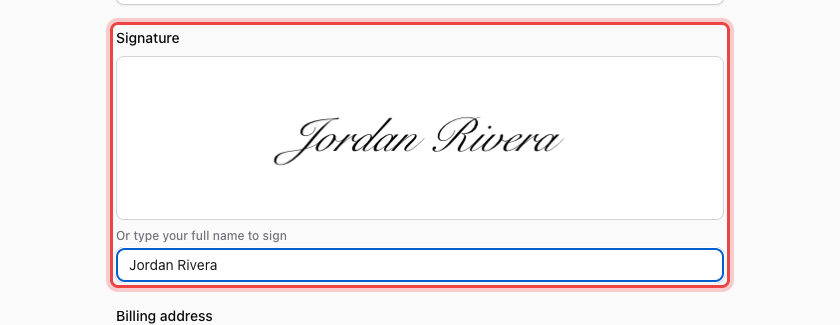
The field renders as a bordered pad with Sign here in the middle, and a box underneath labelled Or type your full name to sign. Either route works:
- Draw: press and drag inside the pad.
- Type: enter a name in the box and the pad fills in with it in a signature script.
Where the signature ends up#
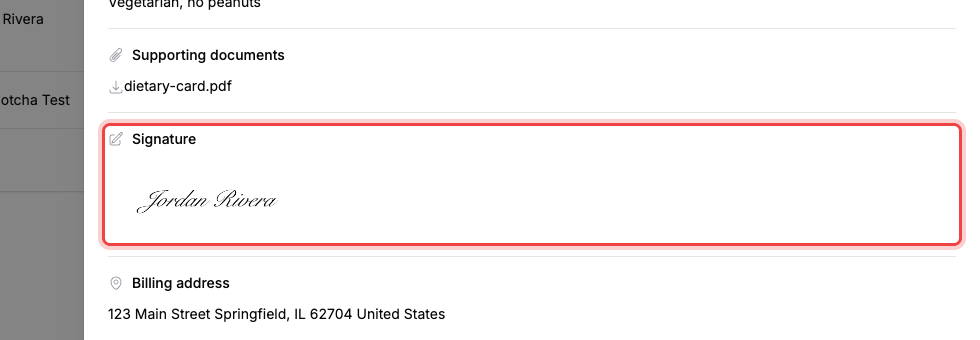
Open the Submissions tab and select a row's number in the # column. The submission panel shows the signature under its field label as the signed image, alongside every other answer:
See View your submissions for the rest of the inbox.