Add one booking field and no payment field to offer a free appointment. A valid submission confirms the selected time immediately.
Your workspace needs Services access before you use this setup.
A consultant can use this setup for an introductory call. Start with Create your first form if you need a new form.
- Add a required Email field to the form.
- Add Appointment Booking.
- Open Advanced edit for the booking field.
- Set the availability.
- Set the booking limits.
- Set Booking type to One-time.
- Choose the required email field under Customer email.
- Select Save changes.
- Publish the form.
- Complete one booking yourself.
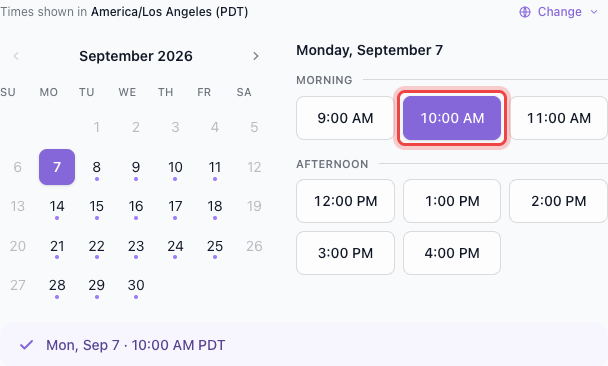
The customer selects one available time before submitting the form.
The email field identifies the customer and receives booking messages. Keep it required and always visible.
After submission, Maxforms creates a confirmed booking and queues a confirmation email with appointment-management links and a calendar attachment.
If a selected time becomes unavailable, then choose another time#
Another customer can take the final seat before the first customer submits. Maxforms refuses the conflicting booking instead of exceeding capacity.